


















Years of photos, sorted into events and trips.

Camfold reads the dates, cameras and places in your photos and videos, and suggests a folder for every event and trip. You check each one before anything moves.

Coming soonRequirements

macOS 12 or laterWindows€29.99 once

  1. Step 1 of 3

    Camfold reads when, where and with which camera every photo was taken.

  2. Step 2 of 3

    It suggests events and trips. You check every group before a file moves.

  3. Step 3 of 3

    Then it moves them into folders.

Nothing gets deleted. Everything gets moved.

Camfold never erases a photo or video. Even the ones you mark for deletion and the extra copies of duplicates go into their own folders, where you can check them. Undo uses saved Move history; keep your usual backup.

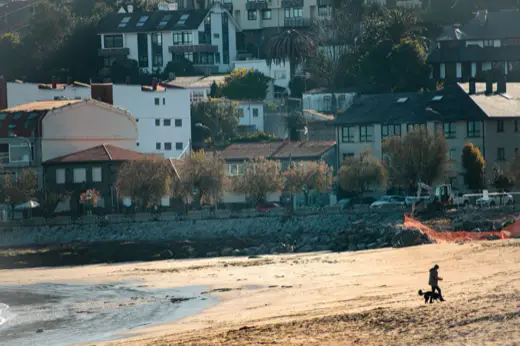
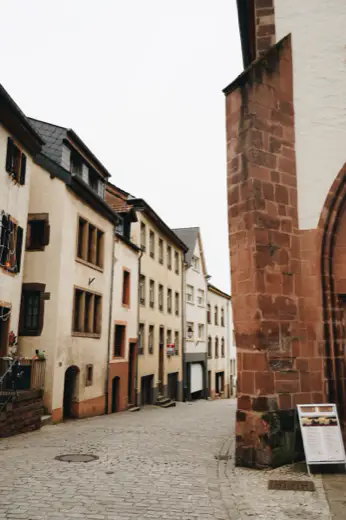
A street café, one of the photos in the example group

Phone backup/DCIM/105APPLE/

Suggested folder: Madrid day trip, 9 Mar 2024 · 97 photos and videos

Camfold scans the folder you choose and suggests an event or trip for every group. You check each one; nothing has moved yet.

Phone backup/DCIM/105APPLE/

1 photo marked for deletion · goes to DELETED on Move

Rename, split or combine groups, and mark the photos you don’t want. Marked photos are set aside in a DELETED folder, never erased.

In Camfold: More, Balanced and Fewer, with Undo, Redo, Reset and Rescan.

Phone backup/CAMFOLD/Madrid day trip, 9 Mar 2024/

Moved with its sidecar files · the marked photo is in CAMFOLD/DELETED

Each group moves into its own folder inside CAMFOLD. Files already there are never overwritten, and Undo can restore them while the required history and file state remain available.

Your photos stay on your computer.

  • No upload.

    Photos, videos, thumbnails and locations stay on your computer.

  • No account.

    Scanning and reviewing need no sign-in and no email address.

  • Places, offline.

    Place names come from a table built into the app, so your photos’ GPS isn’t sent anywhere.

  • No tracking.

    The app has no analytics, no telemetry and no cloud analysis.

Camfold goes online only to buy or activate a licence, to check for updates, and when you search for a city to set your Home.

Made for years of mixed-up backups.

Old phones, shared albums, chat downloads and camera cards, all in one folder.

  • Every phone and camera in one event

    Photos from different devices land in the same event or trip, with optional subfolders per device.

  • Pairs stay together

    RAW+JPEG pairs, Live Photos and their XMP or AAE sidecars move as one.

  • Trips measured from Home

    Choose where you live, or let Camfold find it from your photos. Days away become trips.

  • Folder names your way

    Date first or name first, one folder per year if you like, in English, Czech, German, French, Spanish, Italian, Polish or Slovak.

  • Chats and screenshots apart

    WhatsApp images get folders by month; screenshots and undated photos get their own.

  • Exact duplicates set aside

    Extra copies go into a DUPLICATES folder, and you choose which copy stays.

31 folders, collected over the years.13 folders, down from 31, each named and sorted. Emptied folders are removed, and Undo brings them back.

Phone backup/└── CAMFOLD/    ├── Coast trip, Jun 2024/    │   ├── iPhone 15 Pro/    │   └── Pixel 8/    ├── Madrid day trip, 9 Mar 2024/    ├── Camping trip, Jul 2025/    │   ├── IMG_1172.HEIC  Live Photo    │   ├── IMG_1172.MOV    │   └── IMG_1172.AAE  edits    ├── Autumn walk, 18 Oct 2025/    ├── Christmas, 24 Dec 2025/    ├── WhatsApp, 2024-06/    ├── Screenshots/    ├── No date/    ├── Random photos/    └── DUPLICATES/

One photo, saved four times.

Old backups, AirDrops and phone dumps leave the same photo in several places. Camfold keeps one in sorting and sets the others aside, where you can check them.

IMG_8621.jpg, four times

Camfold compares the files themselves, byte for byte, not only their names. One copy stays in sorting; each extra goes into DUPLICATES with its folder path, and you choose which copy stays.
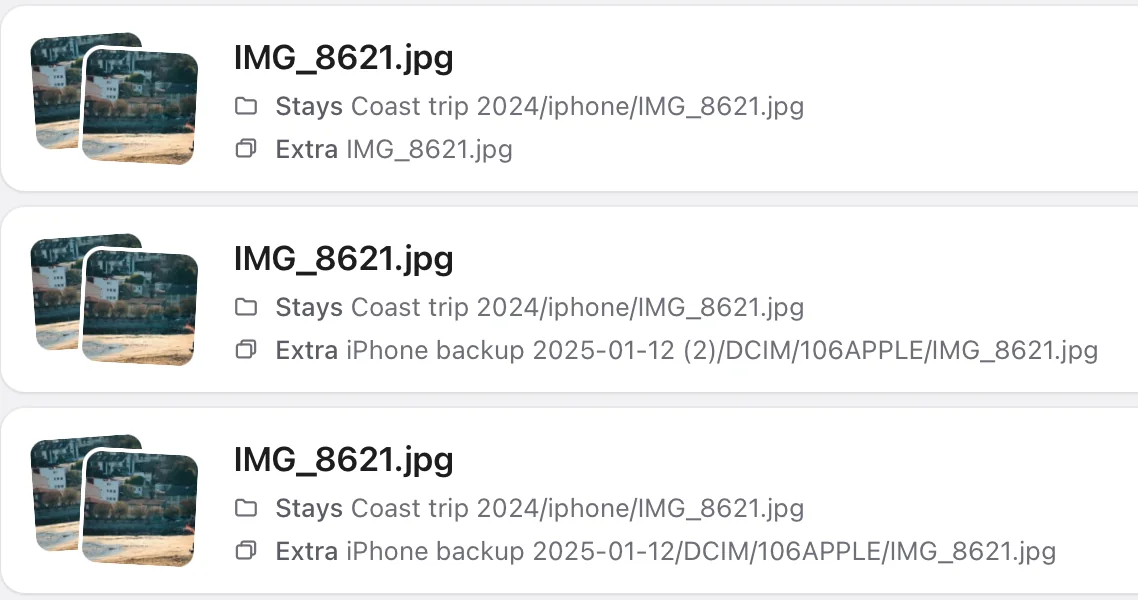
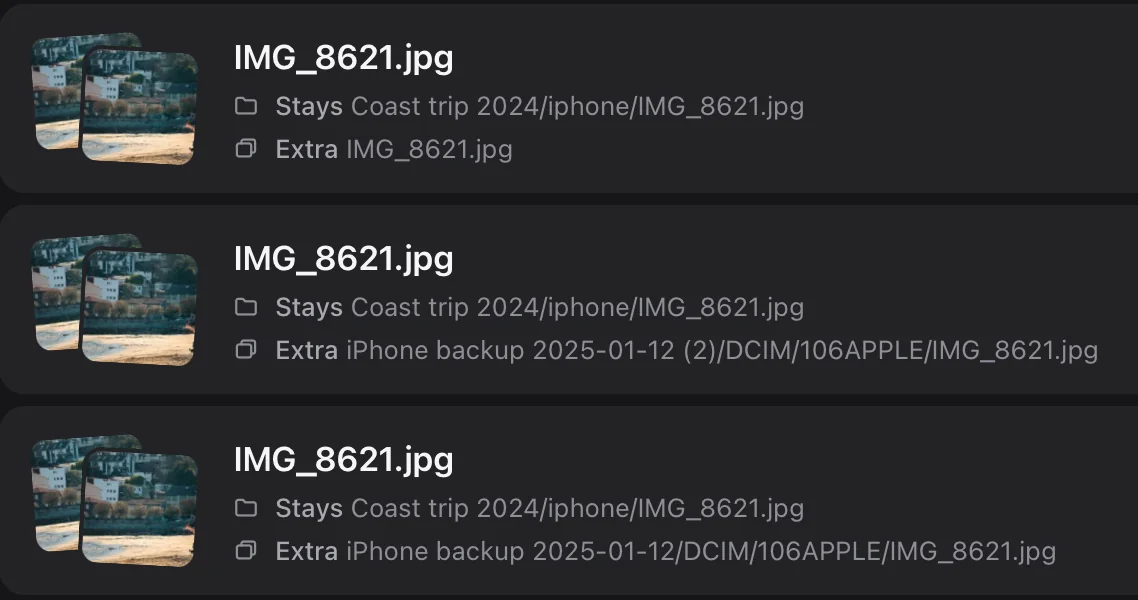
In Camfold: IMG_8621.jpg three times. Each time the copy in Coast trip 2024/iphone stays, and an extra goes: one from the chosen folder itself and two from iPhone backups.

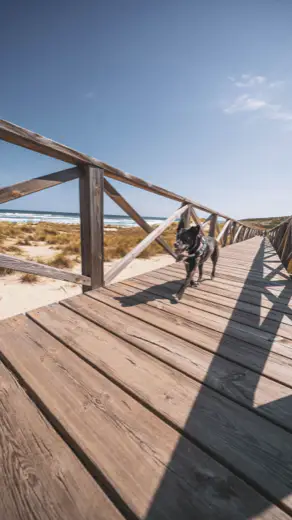
The same beach, a smaller copy

A smaller copy or the next frame of the same moment isn’t an exact copy. With Compare visually on, Camfold keeps the best one in the event and sets the others aside with the reason. Keep both, or keep the other one instead.
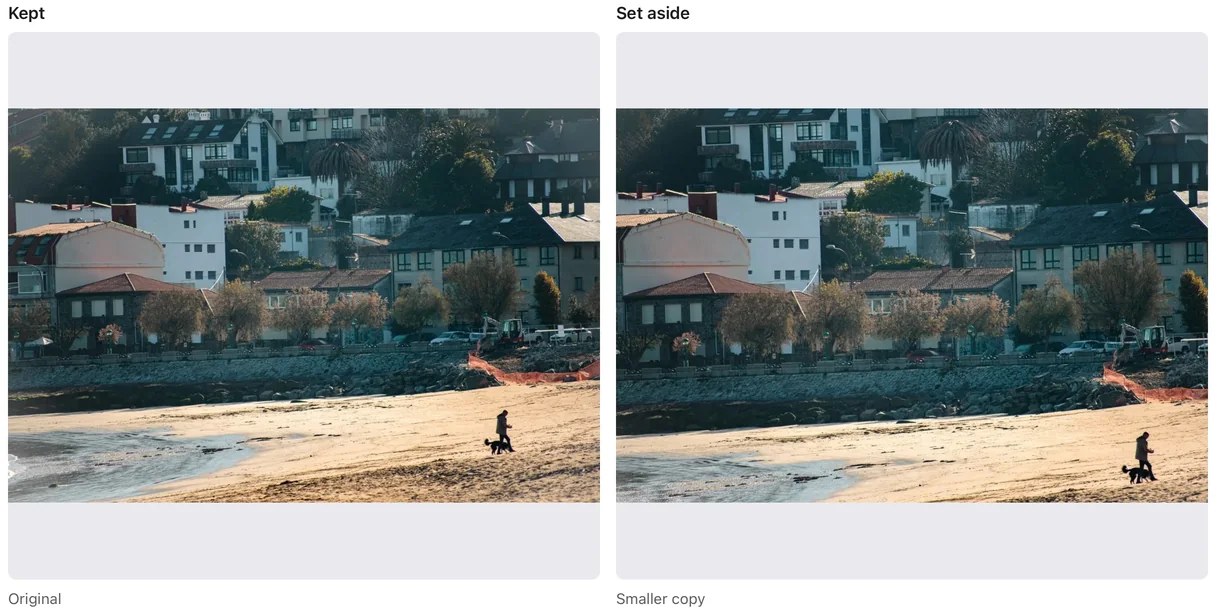
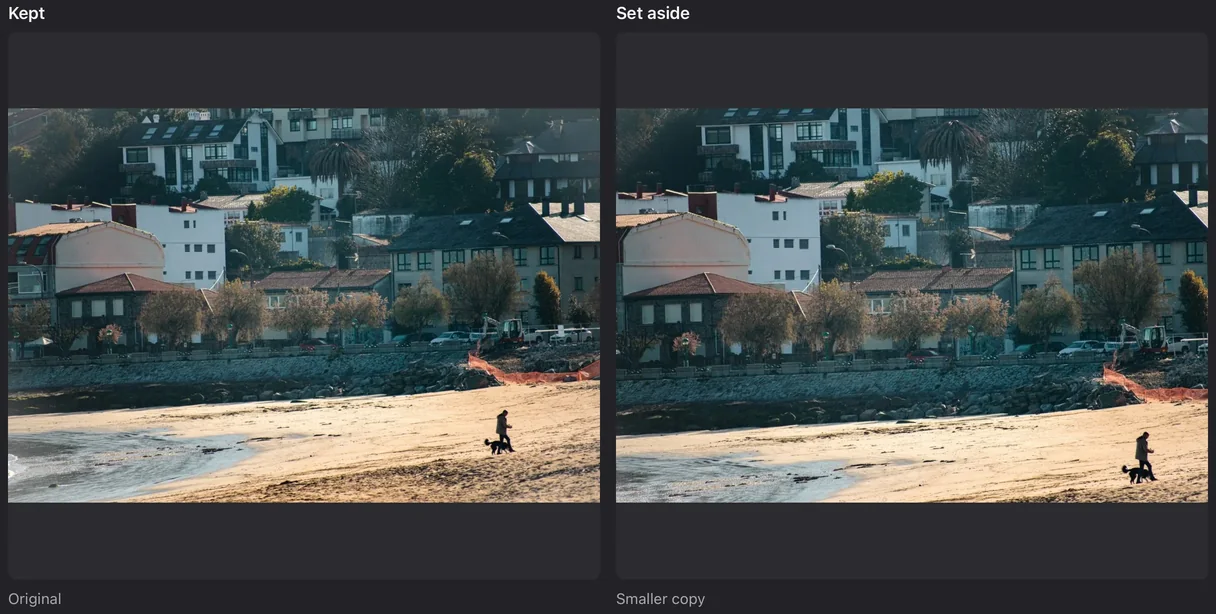
In Camfold: Compare photos. The original is kept; a smaller copy of the same beach photo is set aside.

Coast trip, Jun 2024/Multiple similar photos/

Nothing is deleted. Extra copies wait in DUPLICATES; similar photos and bad shots, such as blank frames and severe blur, get their own folders inside the event. Undo brings them back.
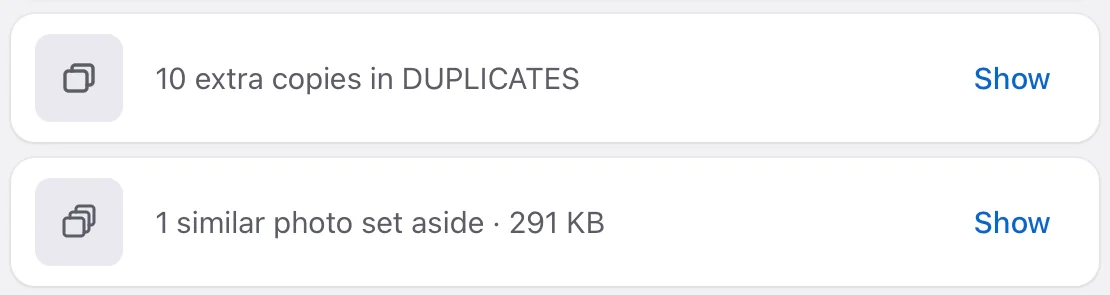
In Camfold after the Move: 10 extra copies in DUPLICATES and 1 similar photo set aside, 291 KB, each with Show.

Exact copies are found on Mac and Windows. On a Mac, similar photos and bad shots need macOS 14 or later; Windows checks the pixels and skips RAW-only photos. Videos, screenshots and WhatsApp images aren’t compared. Extra copies move only with a licence, never as part of the 200 photos and videos you can move before buying.

Own your photos. Skip one more subscription.

A cloud subscription keeps your photos for as long as you pay. Camfold sorts them into folders on your own computer, once, for €29.99. Copy those folders to a drive and they’re yours, with no monthly billing attached.

Others

Every month
Cloud storage, 2 TB
€9.99/mo
Months
96
Paid so far
€959.04

Download it all, and it’s one long folder.

Camfold

Paid once
Licence
€29.99 once
Your own drive
you choose
Paid
€29.99 + drive

Folders of events and trips that any app can open.

iCloud+ 2 TB costs €9.99 a month in euro countries (Apple, October 2026). Camfold doesn’t store or back up photos, so keep two copies.

Price

€29.99once through Creem, including VAT

Before you buy

  • Scan and review your whole collection
  • Move 200 photos and videos
  • Undo using saved Move history

With a licence

  • Move as many photos and videos as you like
  • Creem: one user, 2 Mac or Windows computers
  • Every 1.x update
  • No subscription and no account

See your own photos sorted, then decide.

Pay after you’ve seen your own folders. Mac App Store pricing and device rules are shown by Apple. See the licence terms.

Coming soonRequirements

Questions

Does Camfold upload my photos?

No. Camfold reads your photos and videos on your computer. Dates, cameras and places are worked out there, and place names come from a table built into the app. You don’t need an account. Camfold only goes online to buy or activate a licence, to check for updates, and when you search for a city to set your Home.

Will Camfold delete any of my photos?

No. Camfold never erases a photo or video. Photos you mark for deletion go into a DELETED folder, and extra copies of duplicates go into a DUPLICATES folder, both inside the folder you chose. After a Move, Camfold can remove source folders it left empty, and Undo brings them back. Camfold doesn’t make a backup copy, so keep your usual backup.

What can I do before I buy?

Scan and review your whole collection, check every group and preview the proposed folders. The free allowance includes 200 cumulative move units, without a time limit. A photo or video with its recognised companions counts as one unit. Extra copies of exact duplicates aren’t part of it: they move into DUPLICATES only with a licence. Undo does not replenish the allowance and needs the relevant saved history and file state.

Which computers does Camfold run on?

Macs with macOS 12 or later, and Windows PCs. On a Mac, the checks for similar photos and bad shots need macOS 14 or later. A Creem licence covers one person on two Mac or Windows computers, including the Microsoft Store Windows edition. A Mac App Store purchase covers that edition on compatible Macs permitted by Apple’s usage rules; it does not include Windows or direct-download access.

How do I get the photos off my phone?

Connect your phone to your computer with a cable and copy its photos and videos into a folder. On a Mac, Image Capture does this; on Windows, the Photos app or File Explorer. Then choose that folder in Camfold. Camfold works on ordinary folders, so it can’t open an Apple Photos library directly; export from Apple Photos first.

Anything else? See Support, or write to support@camfold.app